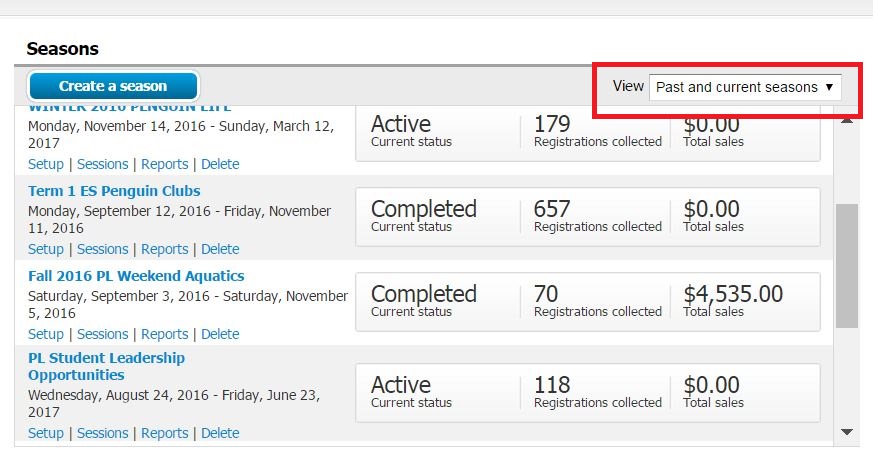
- From Home page click View drop down box
- Select Past and Current Seasons
- Scroll through season list to locate desired season
View All Seasons
Document Details
| Article Number | 000042686 | |
| Article Type | Article} | |
| Article Link | https://support.activenetwork.com/camps/articles/en_US/Article/Cannot-Find-a-Season |
Content Details
The Home page automatically displays only active seasons. Completed seasons are hidden by default. If you are looking for a season and do not see it listed on the Home page, you can change the View drop‑down to display all seasons.