To view the payment method report, follow the steps below:
- Click Reports
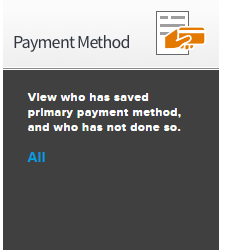
- Under Payment Method click All
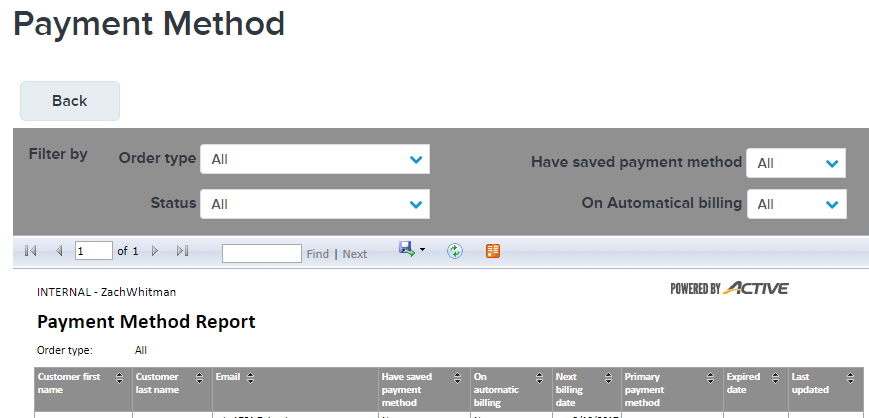
- The report will show the following information:
- Customer first name
- Customer last name
- Have saved payment method
- Note: See related article My Wallet - Add or Change Payment Information in Swim Portal
- On automatic billing
- Note: See related article Update Credit Card Information For Automatic Payment
- Next billing date
- Primary Payment Method
- Note: See related article My Wallet - Add or Change Payment Information in Swim Portal
- Expired Date
- Last updated