a {
text-decoration: none;
color: #464feb;
}
tr th, tr td {
border: 1px solid #e6e6e6;
}
tr th {
background-color: #f5f5f5;
}
You can send text messages to athletes and parents from the Communications section in Swim Manager.
- Login to Swim Manager
- Click Communications.
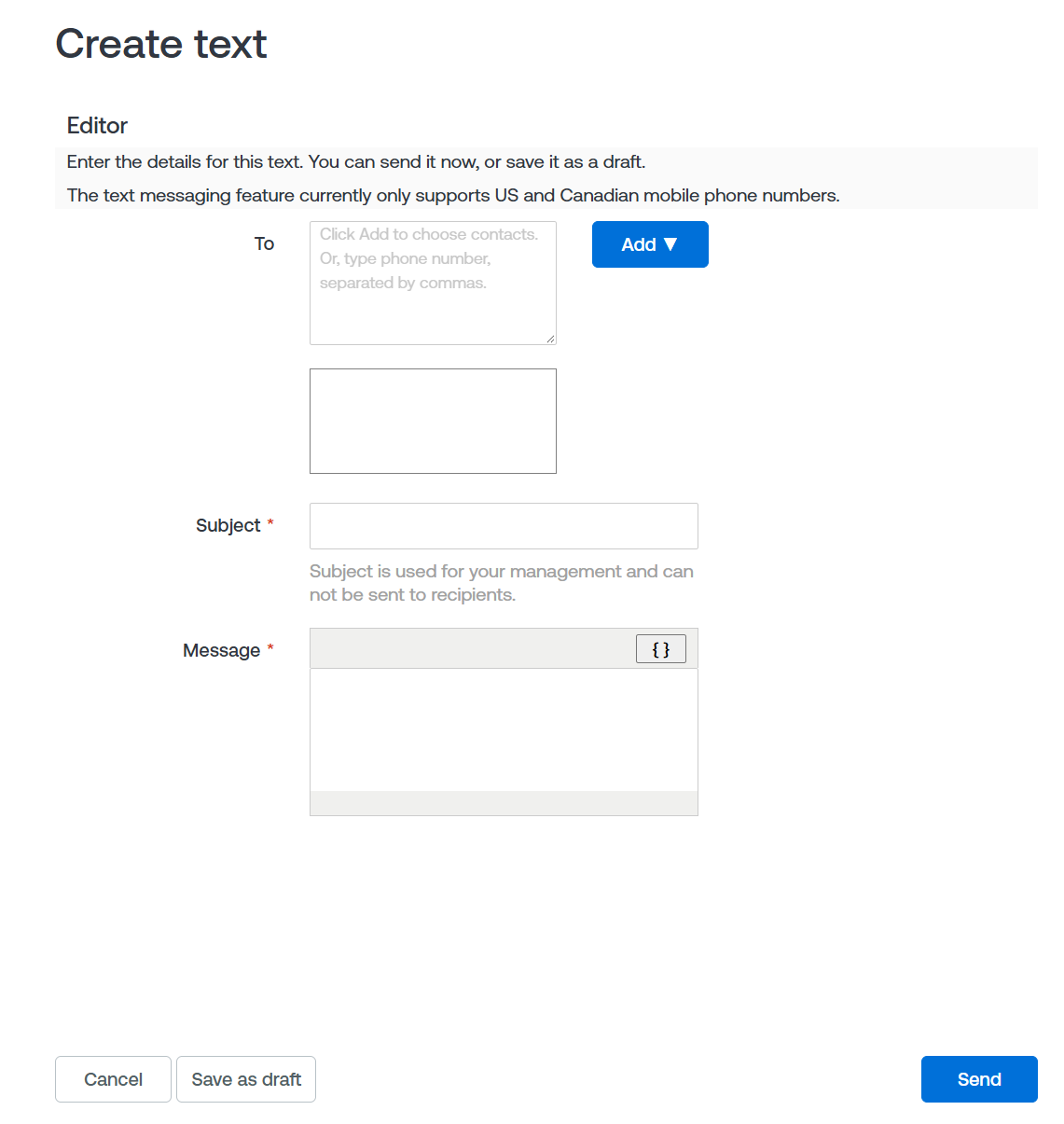
- Click Create a text.
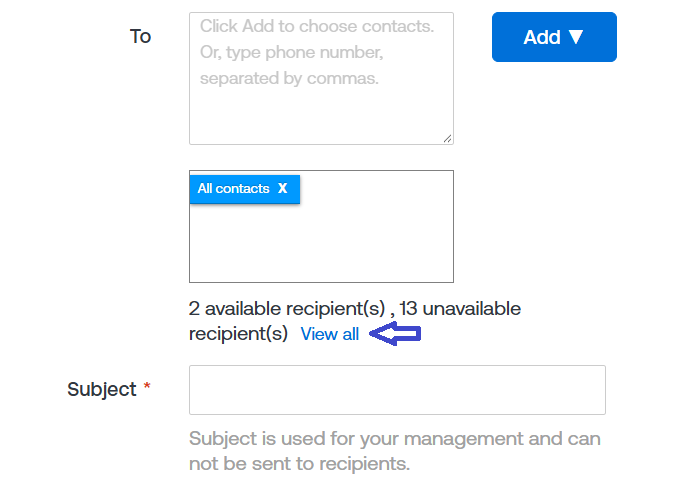
- Click Add to select the recipients.
- If you need to add or update a cellphone number for an athlete or parent:
- Click View All.
- Click the Pencil icon next to the recipient.
- Enter the new or updated cellphone number.
- Click Close. The updated cellphone number will be saved for this text and future use.
- Note: The text messaging feature currently only supports U.S. and Canadian mobile phone numbers.
- Enter the Subject and Message.
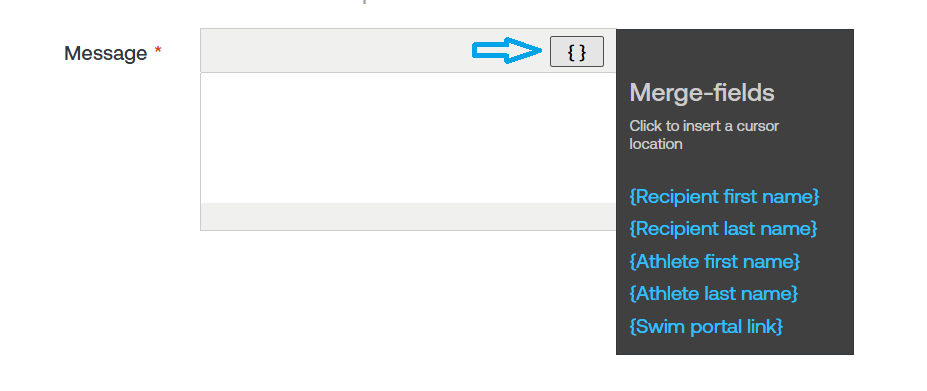
- To personalize the message, click the {} button to insert a merge field at the cursor location.
- Available merge fields include:
- Recipient first name
- Recipient last name
- Athlete first name
- Athlete last name
- Swim portal link
- Click Send.