
Use the Group Assignment Tool to create and manage group assignments for your season. Follow the steps below to access the tool.
Note: For how to create group assignment, please visit Create Group Assignments
- On Home Tab, click desired Season name
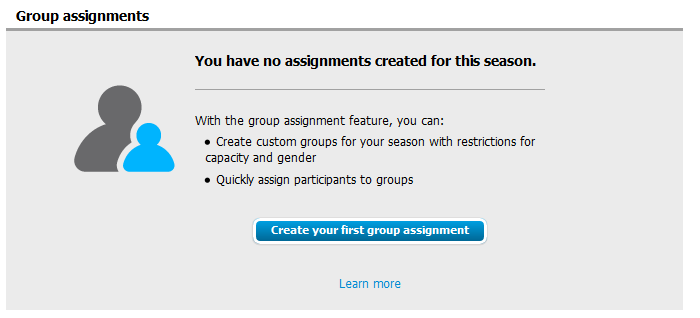
- Click Group assignments tab
- To enable Group Assignments, read the tool description
- Select Create your first group assignment
Note: For how to create group assignment, please visit Create Group Assignments