

Customers can download their financial statements directly from their online account. This feature must be enabled by the organization, and agency users can request activation through their Account Manager or Support. Once enabled, the financial statement displays available details such as balance due, registration fees, cancellation fees, merchandise, and payment history.
To download a financial statement, follow the steps below.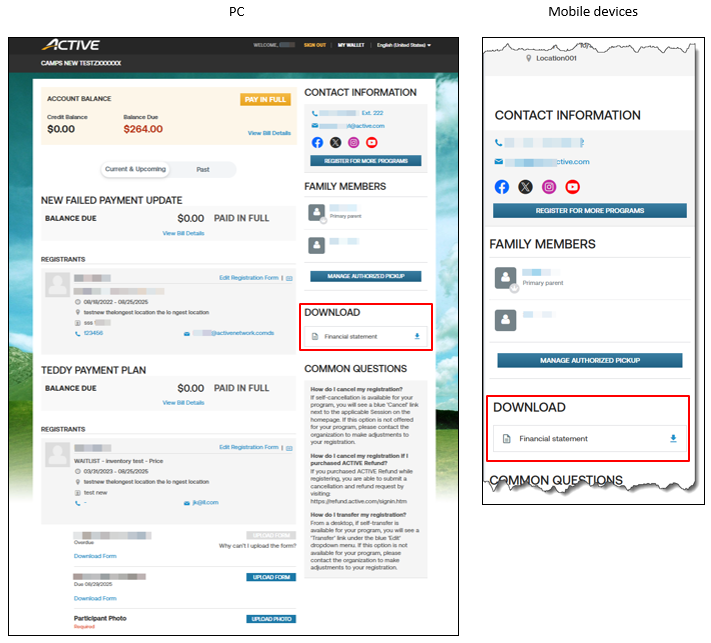
To download a financial statement, follow the steps below.
- Log into the organization's online account
- On the homepage, click Financial statement download icon under DOWNLOAD
- In the popup window, select desired Seasons
- Click Download


