

When an email remains in PROCESSING status for a long time, you can check the following to identify the issue.
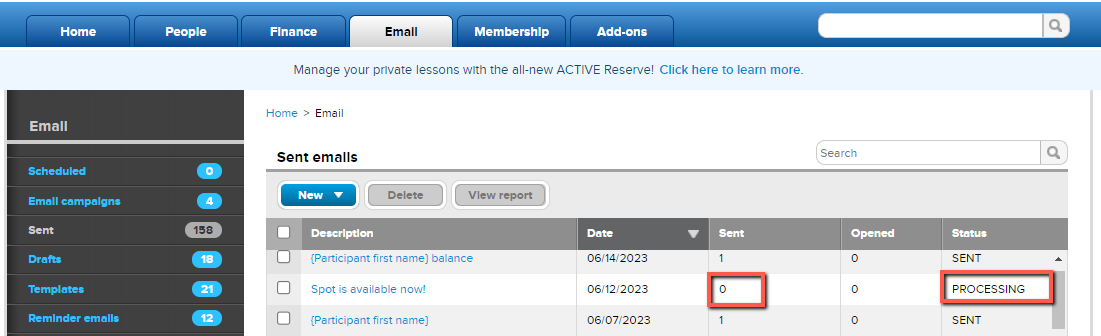 1. Check the Sent count, if the count shows 0, it means there are no email addresses in the recipient list, so the email cannot be sent and stays in PROCESSING status
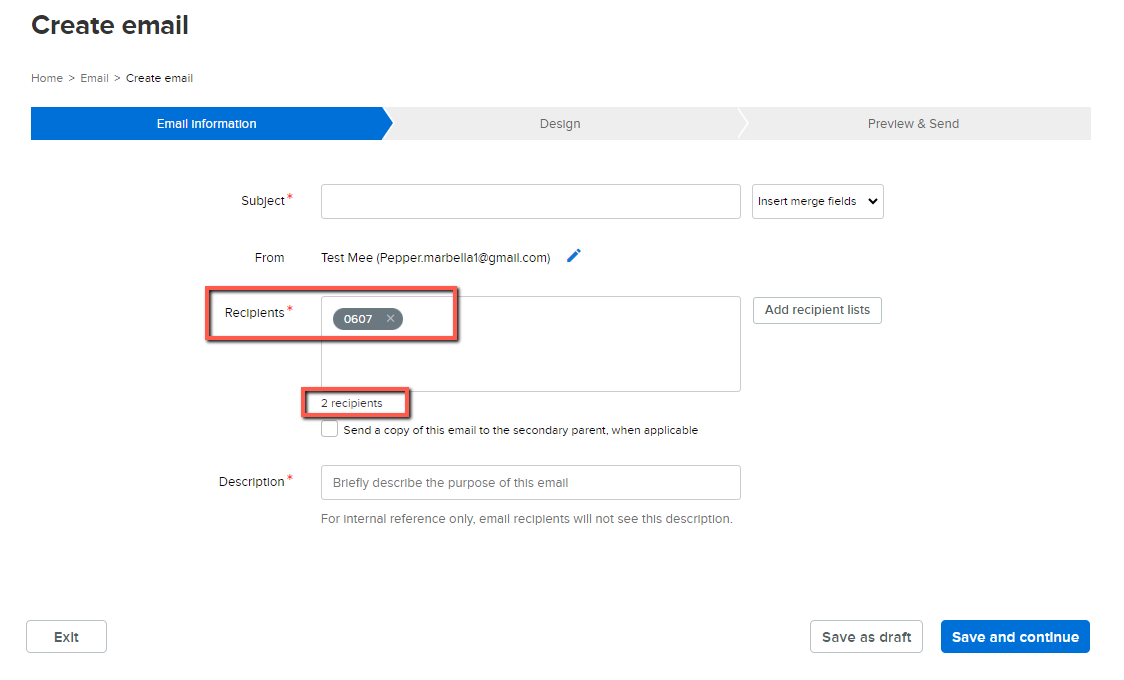
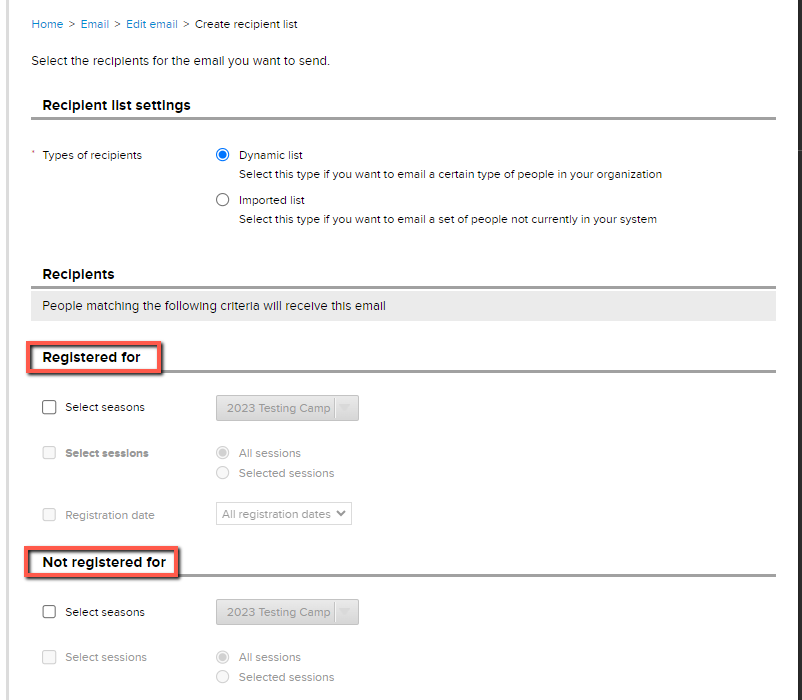
- Note: To verify if a recipient list has email addresses, select it in your email. The system will display how many recipients are included
- Note: If the Sent column shows a non-zero number and the email is still stuck at PROCESSING status, please Contact Support


